2026-02-28 ·
Team Management & RBAC: Complete Guide to Secure API Integration Teams in 2026
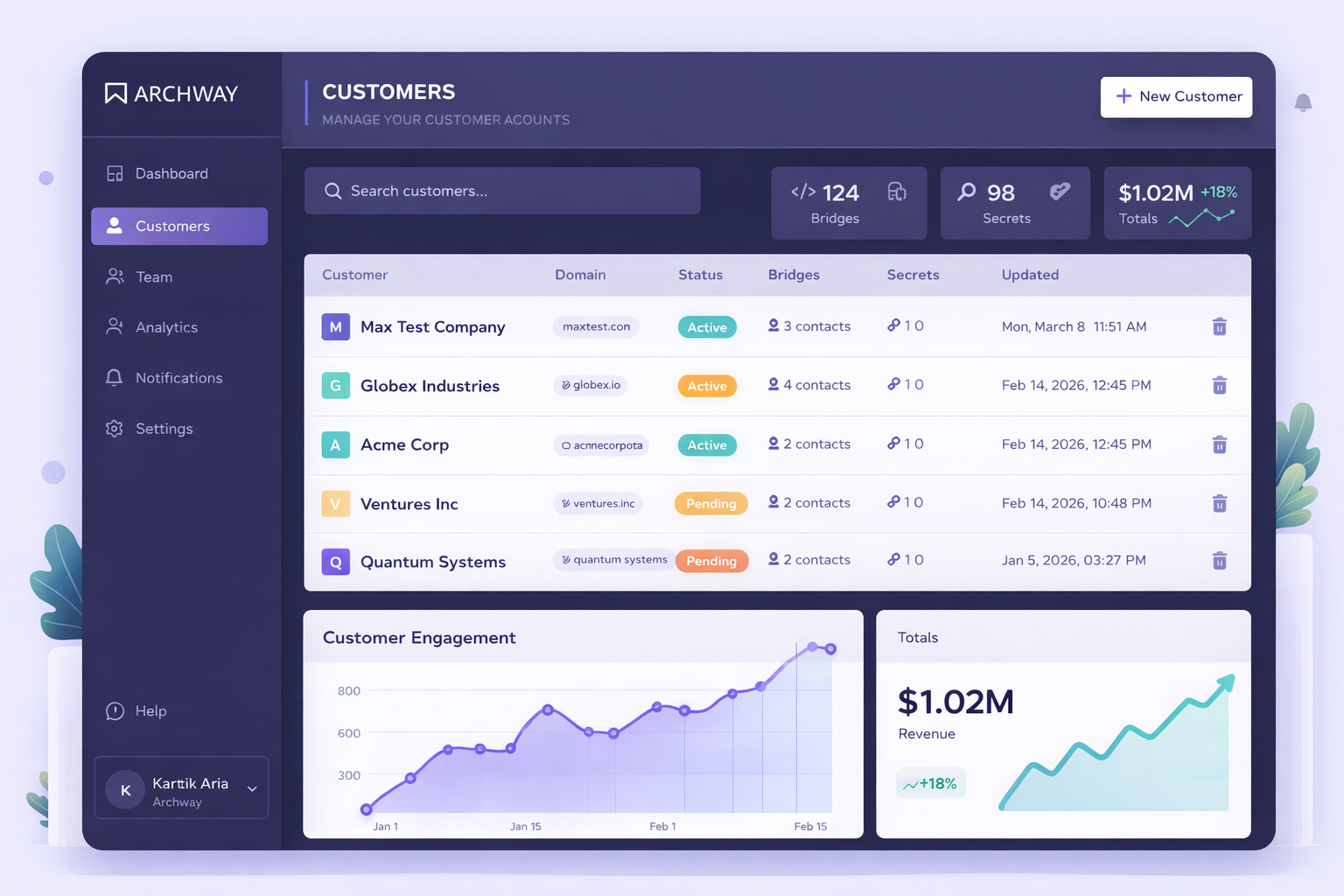
Team Management & RBAC (Role-Based Access Control) is a security framework that controls who can access what resources within your API integration platform based on their role and responsibilities. It ensures team members only see and modify the integrations they need to work on. Managing API integration teams without proper access controls creates security risks and workflow chaos. When multiple developers work on customer integrations, you need clear boundaries around who can deploy code, access sensitive data, and modify production systems. This guide shows you how to implement effective team management and RBAC for your API integration projects. You'll learn to set up secure team structures, assign appropriate permissions, and maintain visibility without compromising security.
Here's What You Need to Know
- RBAC controls access to integration resources based on team member roles and responsibilities
- Proper team management reduces security risks and prevents accidental changes to production integrations
- Role-based permissions ensure developers only access the bridges and customer data they need
- Team owners can assign specific integrations to individual team members for accountability
- Centralized team management improves collaboration while maintaining security boundaries
Why Is Managing API Integration Teams So Challenging?
API integration teams face unique challenges when multiple developers work on customer-facing systems. Without proper access controls, team members can accidentally modify or break integrations they shouldn't touch. Security becomes a major concern when everyone has access to all customer data and API keys. Many teams struggle with accountability - when something breaks, it's hard to know who made the change. Collaboration suffers when developers can't easily see which integrations they're responsible for versus those owned by teammates. Traditional development tools weren't built for the multi-tenant, customer-specific nature of API integration work. Teams often resort to shared accounts or overly broad permissions, creating security vulnerabilities. The lack of visibility makes it difficult to track who's working on what, leading to duplicated efforts and conflicts.
- No clear ownership of specific customer integrations
- Security risks from overshared access to sensitive customer data
- Difficulty tracking changes and accountability across team members
- Collaboration challenges when everyone sees everything
- Accidental modifications to production integrations
How Do You Solve Team Management and Access Control Issues?
Effective team management and RBAC starts with defining clear roles and responsibilities for your integration team. Create distinct permission levels that match how your team actually works - from junior developers who need limited access to senior engineers who can deploy to production. Assign specific integrations to individual team members so everyone knows their responsibilities. This creates accountability and prevents conflicts. Use role-based permissions to control what each team member can see and modify. Developers should only access the customer integrations they're actively working on. Implement team dashboards that show relevant information based on each person's role. Junior developers see their assigned bridges, while team leads get visibility across all projects. Set up automated notifications so team members know when changes affect their work. This keeps everyone informed without overwhelming them with irrelevant updates. The key is balancing security with productivity - team members need enough access to do their jobs effectively, but not so much that they create risks.
How to Set Up Team Management & RBAC for API Integrations
Follow these steps to implement secure team management and role-based access control for your API integration projects. Each step builds on the previous one to create a comprehensive security and collaboration framework.
1. Define Team Roles and Permission Levels
Start by mapping out the different roles in your integration team. Common roles include developers (who build bridges), reviewers (who approve changes), and admins (who manage team settings). Define what each role can access - developers might only see assigned integrations, while admins can view all team projects. Document the specific permissions for each role, such as who can deploy to production, access customer API keys, or invite new team members.
2. Invite Team Members and Assign Roles
Use your platform's team management feature to invite developers, QA engineers, and other stakeholders. Assign each person the appropriate role based on their responsibilities and experience level. New team members should start with limited permissions that expand as they gain experience. Send clear onboarding instructions that explain what they can access and how to request additional permissions when needed.
3. Assign Integration Ownership
Assign specific bridges and customer integrations to individual team members. This creates clear accountability and prevents conflicts when multiple people work on similar projects. Use descriptive naming conventions and tags to make it easy to identify who owns what. Set up notifications so owners know when their integrations have issues or need updates.
4. Configure Role-Based Dashboards
Set up customized views for each role type. Developers should see their assigned integrations, recent activity, and any issues requiring attention. Team leads need broader visibility across all projects, including team performance metrics and resource allocation. Admins require access to team settings, billing information, and security logs. Each dashboard should show only relevant information to avoid overwhelming users.
5. Implement Review and Approval Workflows
Create approval processes for sensitive actions like production deployments or accessing new customer data. Junior developers might need senior approval before deploying changes, while experienced team members can deploy directly. Set up automated checks that require additional approval for high-risk changes. Document the escalation process for when approvals are needed urgently.
6. Monitor and Audit Team Activity
Regularly review team access logs to ensure permissions are being used appropriately. Look for patterns like team members accessing integrations outside their assigned area or unusual activity that might indicate security issues. Use audit trails to track who made specific changes and when. Schedule periodic access reviews to remove permissions that are no longer needed and update roles as team members' responsibilities change.
Frequently Asked Questions
What's the difference between team management and RBAC?
Team management handles the organizational aspects like inviting members and assigning ownership, while RBAC (Role-Based Access Control) defines what permissions each team member has based on their role. RBAC is the security framework that enforces access rules, while team management is the process of organizing people and responsibilities. Together, they create a secure and organized development environment.
How granular should role permissions be?
Role permissions should match your team's actual workflow and security needs. Start with broad roles like Developer, Reviewer, and Admin, then add more specific permissions as needed. Most teams need 3-5 distinct roles rather than dozens of micro-permissions. Focus on the actions that have the highest security impact, like production deployments and customer data access.
Can team members access integrations they don't own?
This depends on your RBAC configuration and business needs. Generally, team members should only access integrations they own or are collaborating on. However, senior developers or team leads might need broader access for troubleshooting and code reviews. The key is to grant the minimum access needed for each person to do their job effectively.
How do you handle temporary access for urgent fixes?
Set up emergency access procedures that allow temporary permission elevation with proper approval and audit trails. This might include temporary admin access for critical production issues or time-limited access to specific customer integrations. Always require justification for emergency access and automatically revoke it after a set period.
What happens when team members leave the company?
Immediately revoke all access and transfer ownership of their assigned integrations to other team members. Update any shared credentials they had access to and review audit logs for their recent activity. Have a documented offboarding process that ensures no integrations become orphaned when people leave the team.
Ready to Secure Your Integration Team?
Set up team management and RBAC in minutes. Invite your team, assign permissions, and start collaborating securely on customer integrations.